WebCraft
No-Code Website Builders 2026: 7 Platforms Tested
No-code builders can now produce a fast, professional site without a developer. We tested seven types in 2026 for speed, export options, pricing traps and what happens when you want to leave.

The no-code market has matured. The question is no longer whether you can build a good-looking site without writing code. It is whether you can keep it fast, move it later and avoid paying for features you will never use.
How we tested
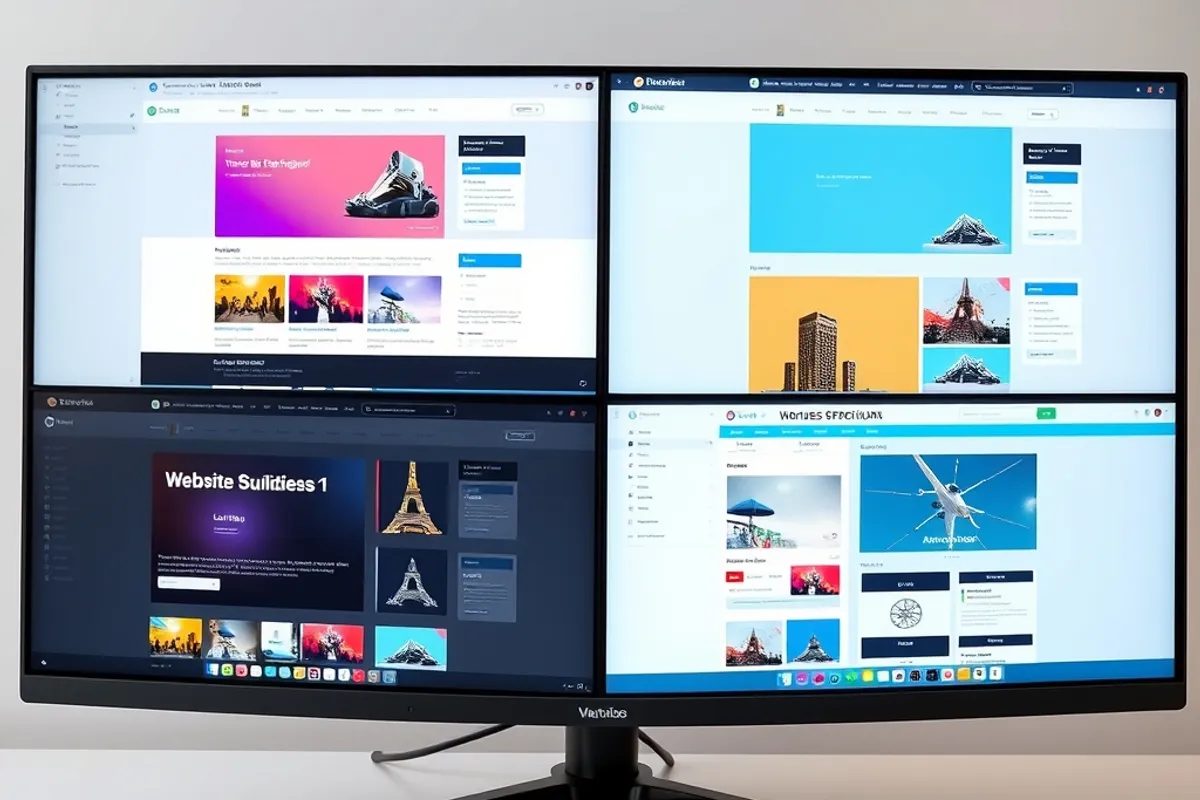
We built the same five-page site on seven types of platform: a visual site builder, a template marketplace, a form-and-page tool, a store-first platform, a documentation tool, a newsletter-first tool and a static-site generator with a visual editor. We measured setup time, published page weight and the number of clicks to change a headline.
We also tried to leave. Export options, content ownership and domain portability were scored as heavily as the design tools, because a platform you cannot leave is a different kind of product.
The real test of a builder is not the first publish. It is the hundredth edit.
The seven types
The visual builder wins for marketing pages and fast iteration. The template marketplace wins when you need a specific look and do not want to design from scratch. The form-and-page tool is best for a single landing page. The store-first platform is the right choice if selling is the point.
The documentation tool suits help centres and product guides. The newsletter-first tool is excellent for writers who want the archive to be the site. The static generator with a visual editor is the best compromise for people who care about speed and still want a preview.

Ownership and export
Before you build, find out what you can take with you. Can you export the content as HTML or Markdown? Can you point the domain elsewhere without losing redirects? Do the images keep their URLs? A platform that locks the archive is a platform that owns your work.
Read the plan limits too. Custom domains, form submissions and removing the platform badge are common paywalls. A free plan that cannot use your own domain is a trial, not a home.

Speed and maintenance
Published page weight varied by more than double across the platforms we tested. The heavy ones loaded extra scripts for analytics, fonts and widgets by default. The light ones let you remove what you do not need. Check a live demo with a performance tool before you commit.
Maintenance is the hidden cost. A platform that updates itself is convenient until an update breaks your layout. A static site is stable but needs someone to run the build. Choose the failure mode you can live with. Our website speed guide explains how to measure the result either way.
Our verdict
For most small businesses, a visual builder with a clean export path and a fast default template is the sensible choice. For a content site that must stay fast and portable, a static generator with a visual editor is worth the extra setup. For a one-page campaign, use the simplest tool that can publish and measure.
For neutral technical background on how page performance is measured, the web.dev performance guides are a good reference. They will help you judge a builder demo before you pay for a year.