WebCraft
Website Speed 2026: 9 Fixes That Cut Load Time in Half
Most slow websites are slow for ordinary reasons: heavy images, too many scripts and fonts nobody uses. We walk through nine fixes in 2026, in the order that produces the biggest gain for the least work.

Speed work goes wrong when it starts with a checklist. The right order is to measure, find the largest delay, fix that one thing and measure again. Most sites can cut their load time in half with three or four changes, not thirty.

Measure before you touch anything
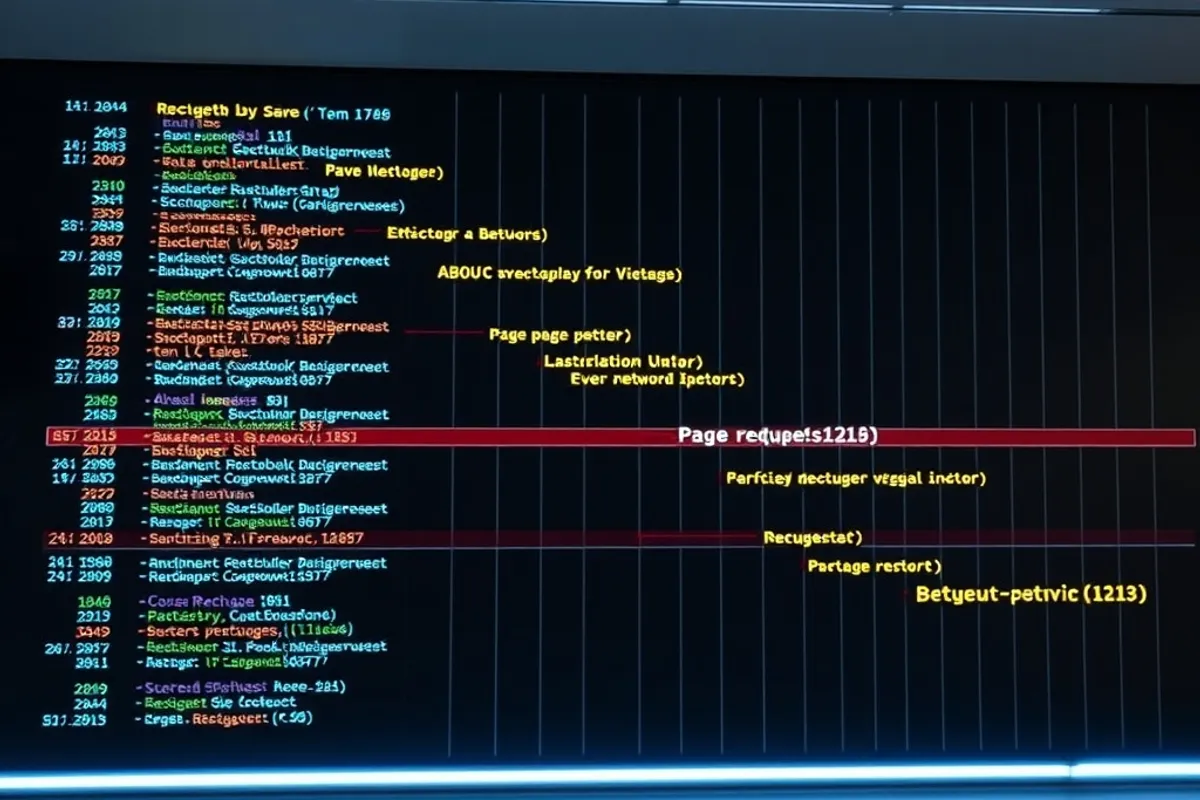
Load the page on a throttled mobile connection and watch where the time goes. Separate the first byte, the images, the scripts and the fonts. A waterfall view makes the bottleneck obvious in a way a single score does not.
Write down the baseline. Without it you cannot tell whether the plugin you installed helped or simply moved the delay somewhere else. Test the same page, on the same connection, at the same time of day.
A speed score is a summary. The waterfall is the story.
Fix one: images
Compress and resize images to the size they are actually displayed. A 4000-pixel photo shown at 800 pixels wastes bandwidth on every visit. Use modern formats, set width and height so the layout does not jump, and lazy-load anything below the fold.
This one change often produces the biggest gain. If you only do one thing after reading this guide, do this.
Fix two to four: fonts, scripts and CSS
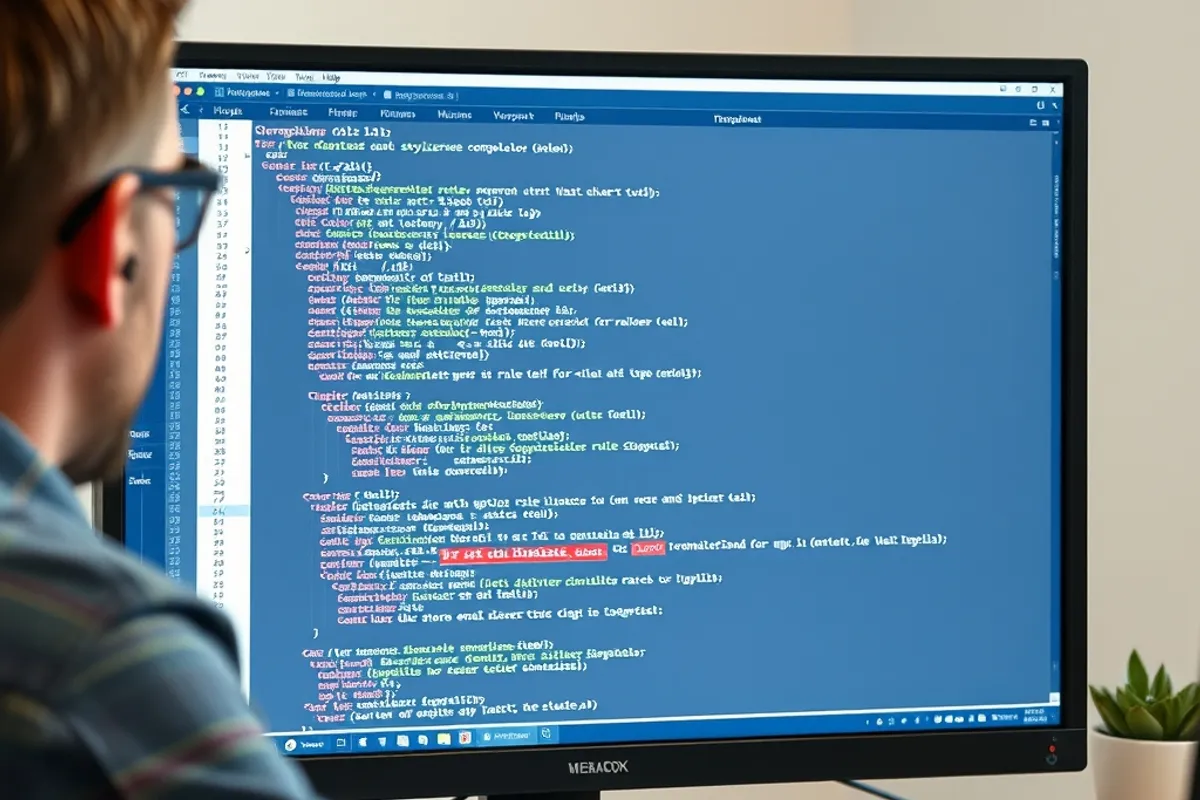
Load one or two font weights, not seven. Self-host where you can, and use font-display so text appears before the font finishes downloading. Remove any script that is not doing a job you can name. Defer the rest so it does not block the first render.
For CSS, delete unused rules and avoid loading a second framework for one component. A page that ships a large CSS file to style a single button is paying for every visit.
Fix five to seven: hosting, caching and third parties
Check the time to first byte. If the server is slow, no front-end trick will fix it. Move to a host with a nearby region, enable caching, and serve static assets from a CDN if your audience is spread out. Caching is usually cheaper than a rebuild.
Audit third-party embeds. A chat widget, a tracking tag and a video player can each add their own connection and their own delay. Remove the ones that do not earn their cost, and load the rest after the main content.

Fix eight and nine: mobile and monitoring
Test on a mid-range Android phone, not a desktop with a fast connection. Check tap targets, layout shift and how long the page takes to become usable, not just to finish loading. A page that scores well but jumps around is not fast for a reader.
Finally, monitor. Set a simple budget for page weight and load time, and check it after every deploy. Speed decays quietly as images and scripts accumulate. Our technical SEO audit covers the checks that keep a fast site crawlable too.
For neutral explanations of the metrics, the web.dev performance guides are the best free reference. Read the definitions before you chase a score.