Search Intelligence
Technical SEO Audit 2026: 10 Checks Before You Publish
A technical SEO audit does not need a hundred tools. We list the ten checks in 2026 that catch the problems which actually keep pages out of search, in the order worth fixing them.
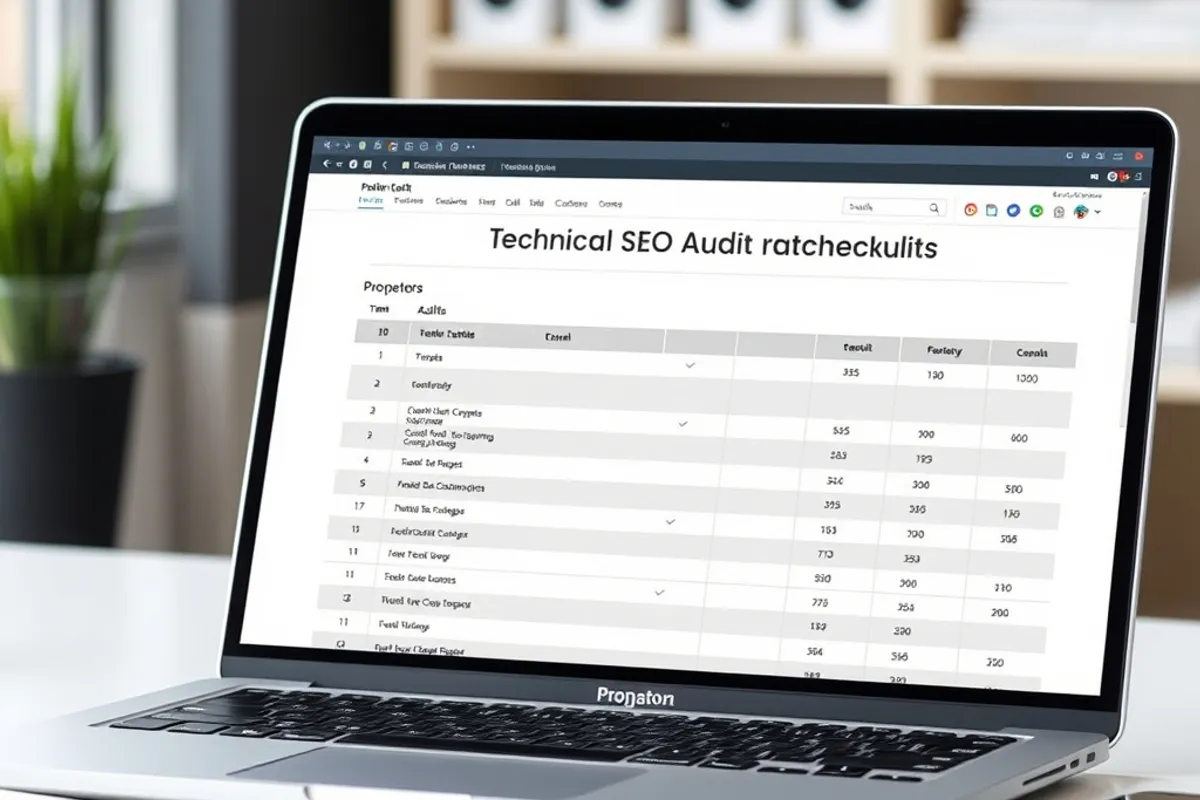
Technical SEO has a reputation for complexity, but most of the damage comes from a short list of ordinary mistakes. The audit below is the one we run before publishing a new section or after a redesign. It takes an afternoon, not a quarter.
One: crawlability
Check that robots.txt does not block the pages you want indexed. A stray rule added during staging can silently remove a whole section from search. Test a few key URLs with a crawler tool and confirm the response is what you expect.
Then check that important pages are reachable through links, not only through the sitemap. A page with no internal links is an orphan, and orphans are easy to forget and easy to drop.
A sitemap tells search where to look. Internal links tell it what matters.
Two to four: indexation, canonicals and duplicates
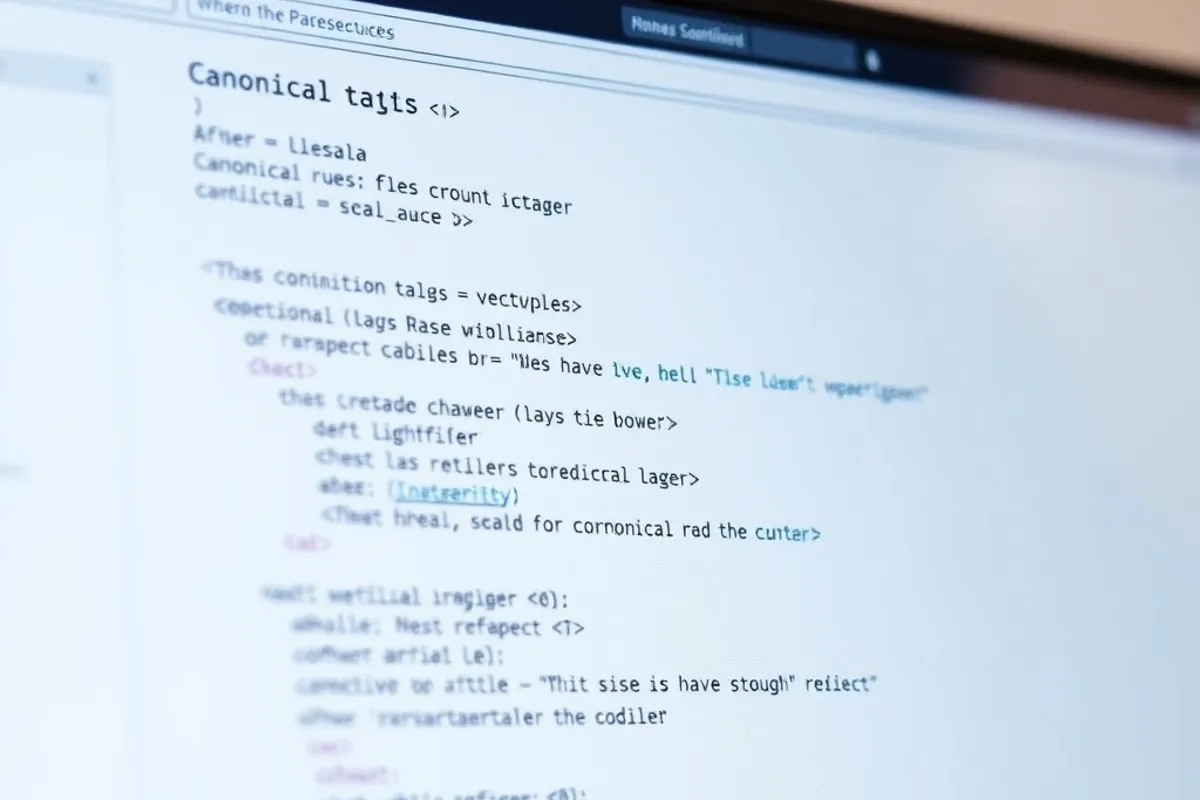
Confirm that pages you want indexed return a normal status and do not carry a noindex tag. Check the canonical tag on each template. A canonical pointing to the wrong URL can move ranking signals away from the page you are trying to promote.
Look for near-duplicates: the same content on a trailing-slash URL, a parameter URL and a www variant. Pick one version, redirect the rest and keep internal links consistent. This is unglamorous and it prevents a surprising amount of confusion.
Five to seven: sitemaps, speed and structured data
Submit a sitemap that lists only canonical, indexable URLs and keep it current. Remove old entries so the file stays a useful signal rather than an archive. Check it in the search console after a major publish.
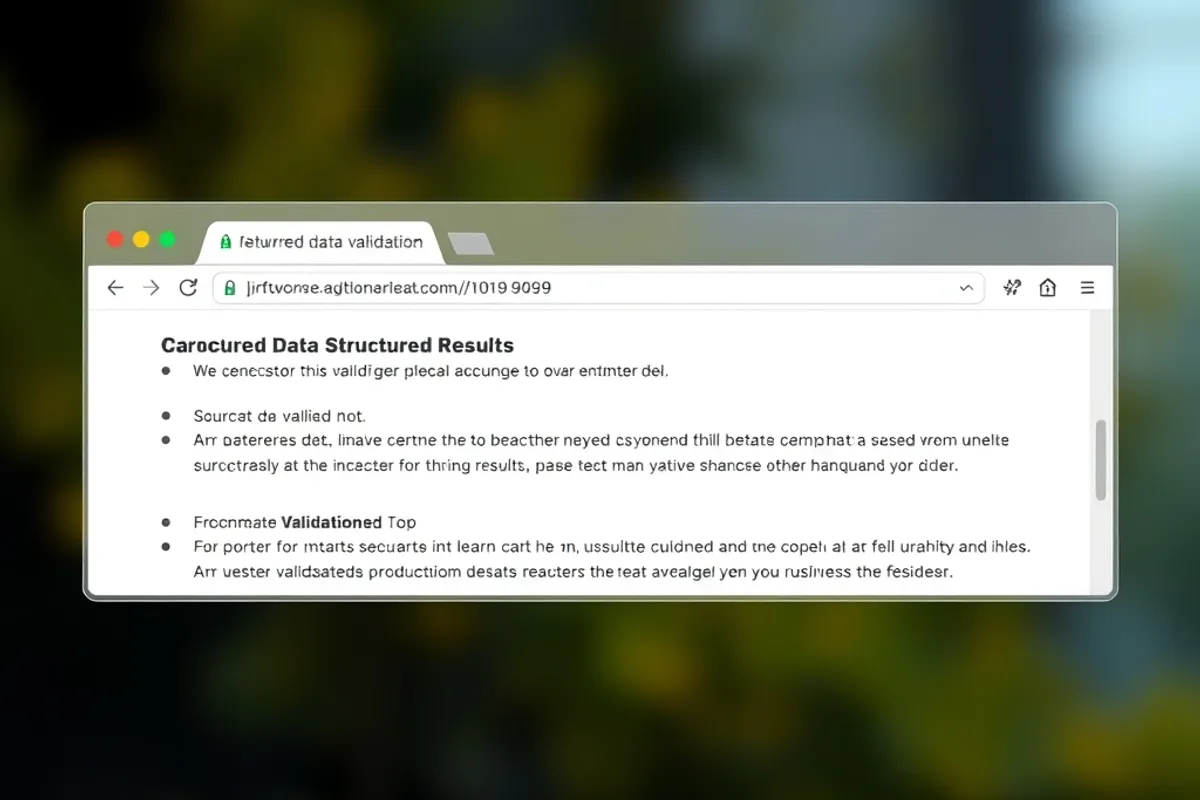
Speed is a technical check and a reader check. Test the template on a throttled mobile connection, not just the home page. Finally, validate structured data: article, breadcrumb and organisation markup should describe the page accurately, not invent ratings or authors.
Eight to ten: links, mobile and monitoring
Audit internal links for broken targets and for pages that no longer exist. Fix redirect chains, especially ones that pass through several hops before landing. On mobile, check tap targets, font size and that nothing important is hidden behind a hover.
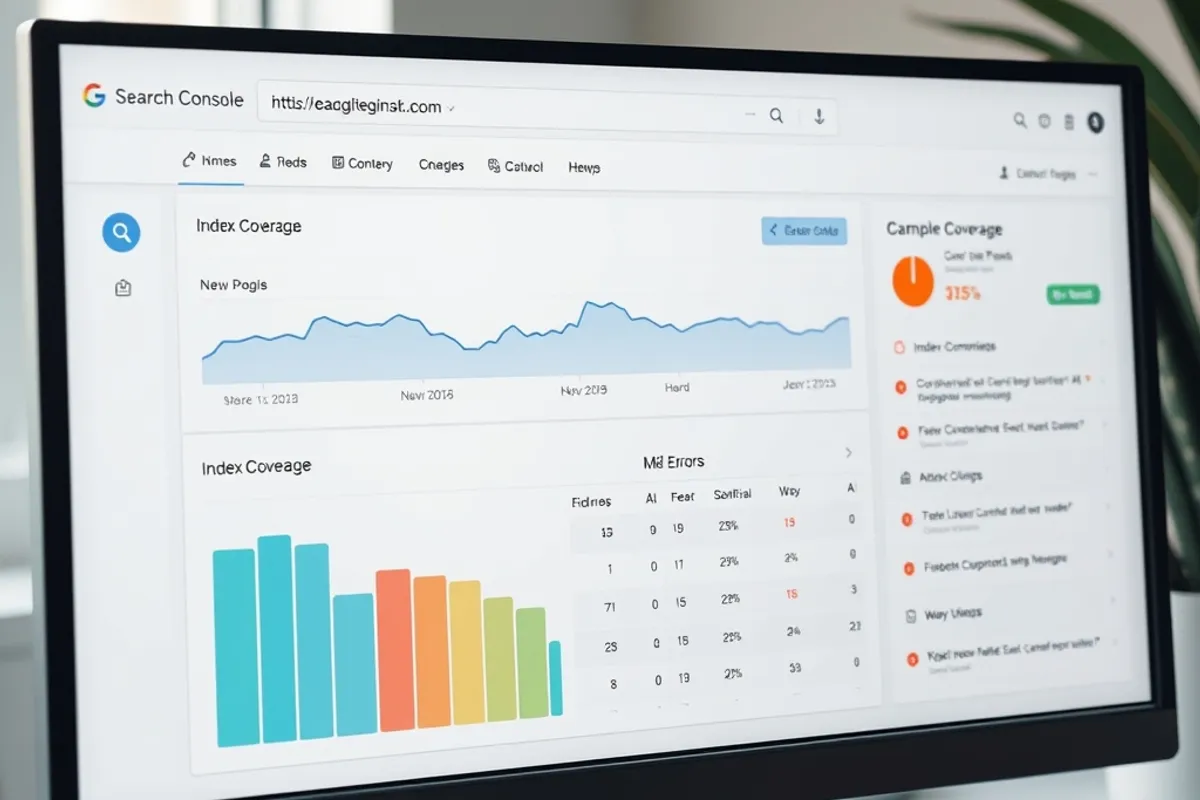
Set up monitoring so you notice a drop before a month has passed. Watch index coverage, server errors and Core Web Vitals for the templates that matter. Our AI search guide explains why the same clean structure also helps answer engines quote you.

When to rerun the audit
Run it before a launch, after a redesign, after a domain change and once a quarter as maintenance. Most technical problems are introduced by a change, not by age. A short checklist applied at the moment of change is worth more than a large audit done once a year.
For the primary reference, use the Google Search documentation. It is updated more often than any third-party checklist and it does not have a product to sell you.