Gadget Lab
Smart Home 2026: 8 Devices Worth the Setup Time
A smart home should remove small daily frictions, not add another app to manage. We tested eight device types in 2026, ranked them by setup time and reliability, and listed what to skip.
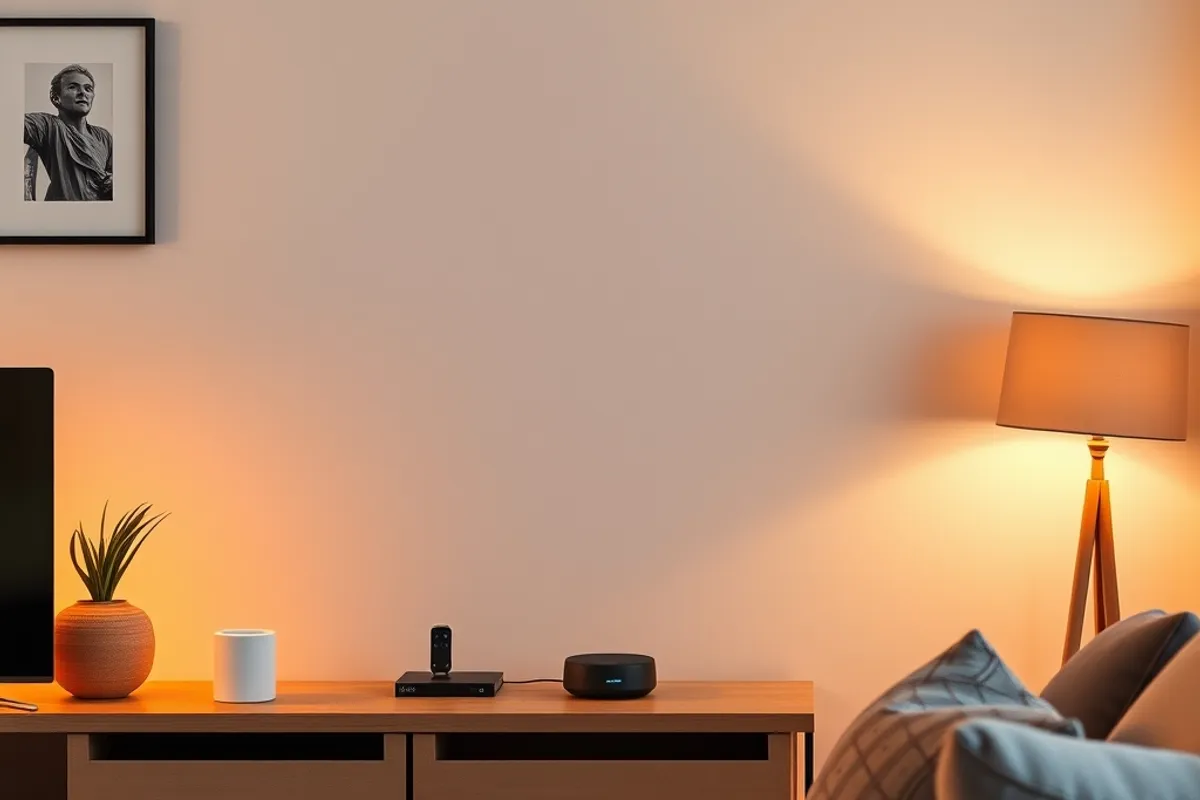
The promise of a smart home is fewer small decisions: lights that dim, a door that locks itself, a thermostat that learns the routine. The reality is often more apps, more passwords and a device that stops responding when the cloud has a bad day. The trick is to buy less and set it up better.
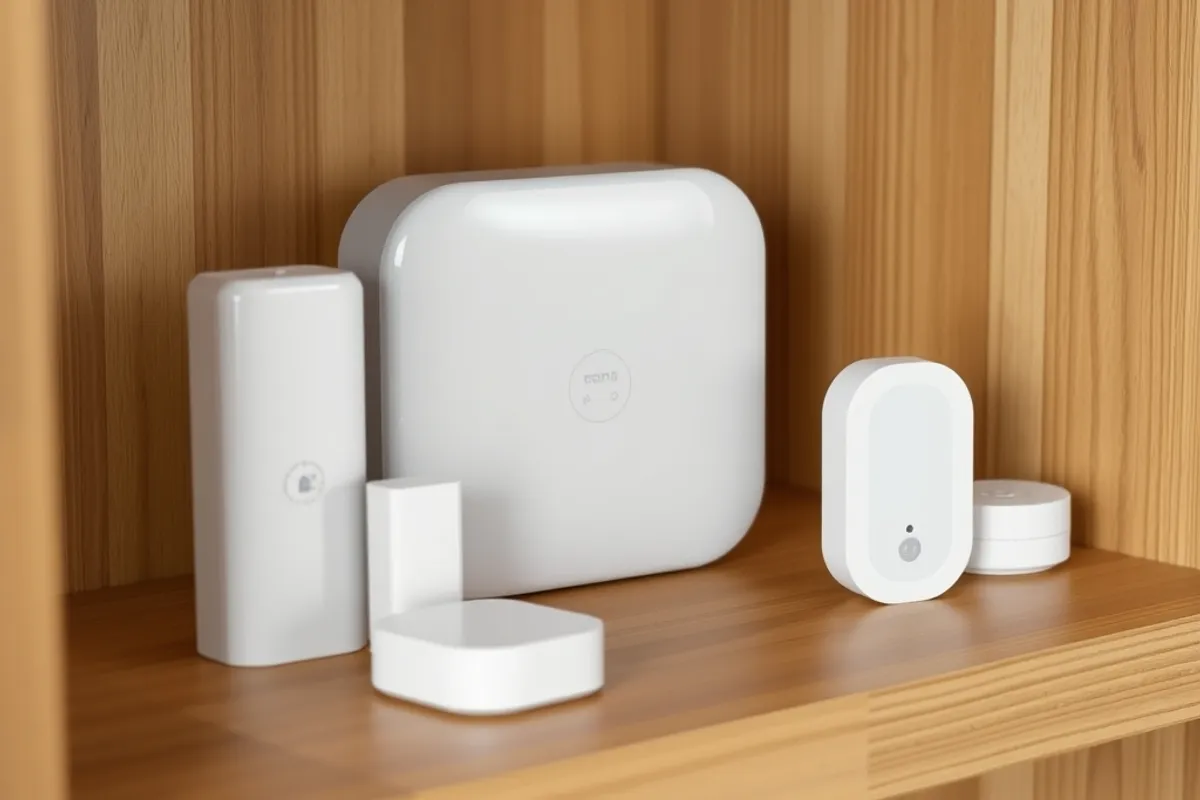
Begin with the hub
A hub gives your devices one language and one place to run routines. It also lets some automations run locally, so a light still turns on when the internet is down. Choose a hub that supports the standards your devices use, and check that it will still receive updates in three years.
Do not buy a hub for every brand. Pick one that can talk to the majority of your devices, then add a bridge only where a specific product requires it. Every extra bridge is another app, another account and another thing to reboot.
A smart home is only smart if it still works when the wifi does not.
The eight devices worth it
The eight types that earned their place in our test home were: smart plugs, smart bulbs, a thermostat, a door sensor, a motion sensor, a video doorbell, a leak sensor and a smart speaker used mostly as a timer and intercom. Notice what is missing: no smart fridge, no connected coffee machine, no gadget whose main job could be done by a switch.
Sensors are the quiet winners. A leak sensor under the sink can save more money than every light bulb combined. A door sensor can trigger a hallway light and a gentle reminder. These devices are cheap, boring and genuinely useful.
Privacy settings to change first
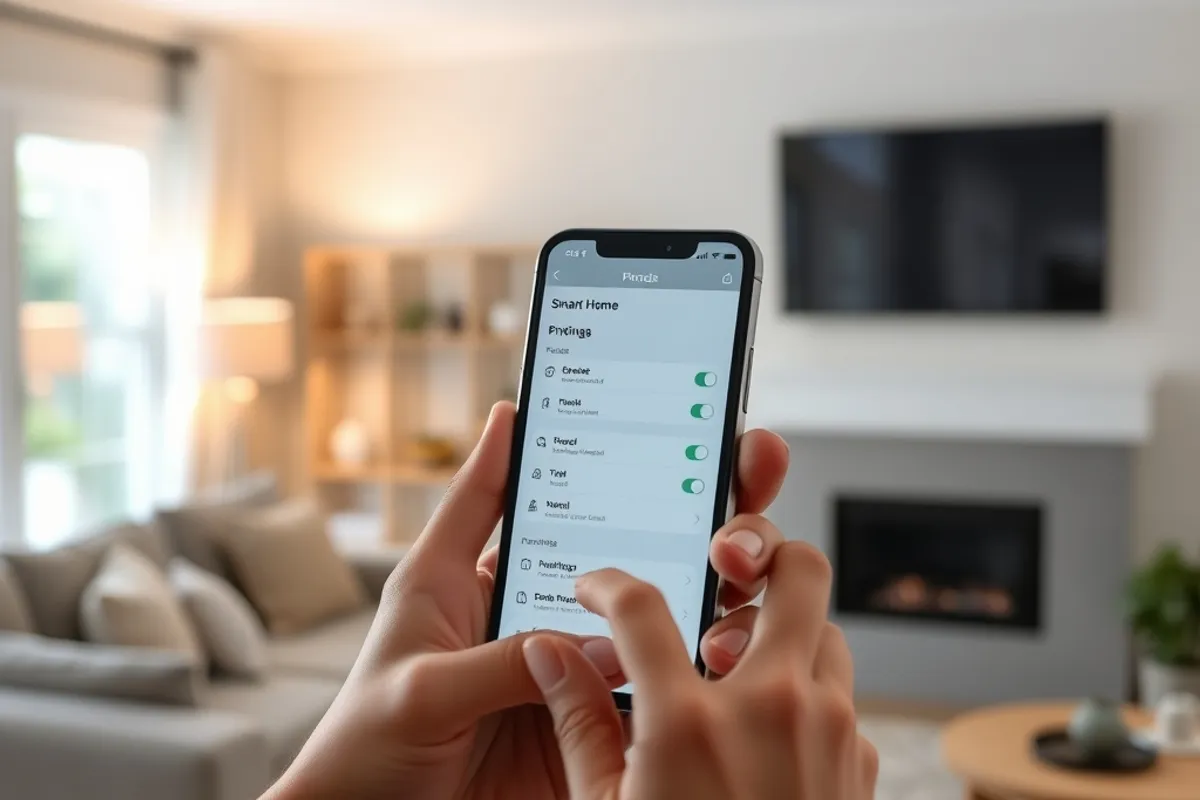
Open the privacy settings before you connect anything else. Turn off usage analytics, disable microphone recording where it is not needed, and set a strong password that is not shared with any other account. For cameras, enable two-factor authentication and check who else has access.
Put smart devices on a guest network, as we explain in our website speed guide for a different reason but with the same logic: separation limits how far a problem can spread. A cheap camera with outdated firmware should not share a network with a work laptop.
What to skip
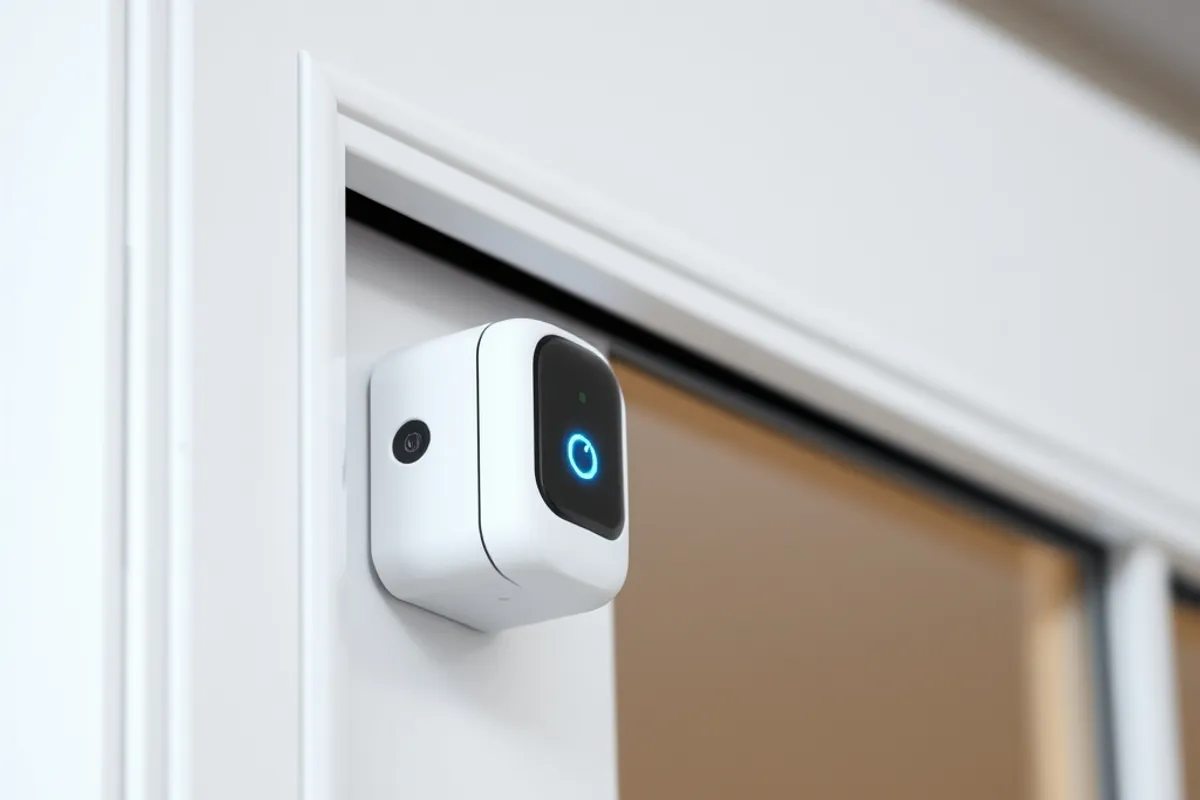
Skip anything that needs a subscription for its core function. A doorbell that stops recording without a monthly fee is a rental, not a purchase. Skip devices with no local control and no update history. Skip the gadget you would use once, no matter how good the demo was.
Also skip the urge to automate everything at once. A routine that fires five actions is hard to debug and easy to disable. Add one automation, live with it for a week, then add another. Our gadget buying guide applies the same rule to phones: buy for the job you have.
Maintenance is the feature
Once a quarter, check for firmware updates, review which accounts still have access, and replace the batteries in sensors. A smart home that is not maintained becomes a source of small failures. The best setup is the one you forget about because it keeps working.
For neutral guidance on securing connected devices, the CISA best-practices library is a solid starting point. It will not choose a hub for you, but it will help you avoid the obvious mistakes.